Project Dashboard#
The project dashboard breaks down all the attributes of a project into an easy-to-read user interface.
The project dashboard can be set to display metrics for the past hour, 24 hours, and 7 days. Manually refreshing the information with the Refresh button will fetch the latest information.
Workloads panel#
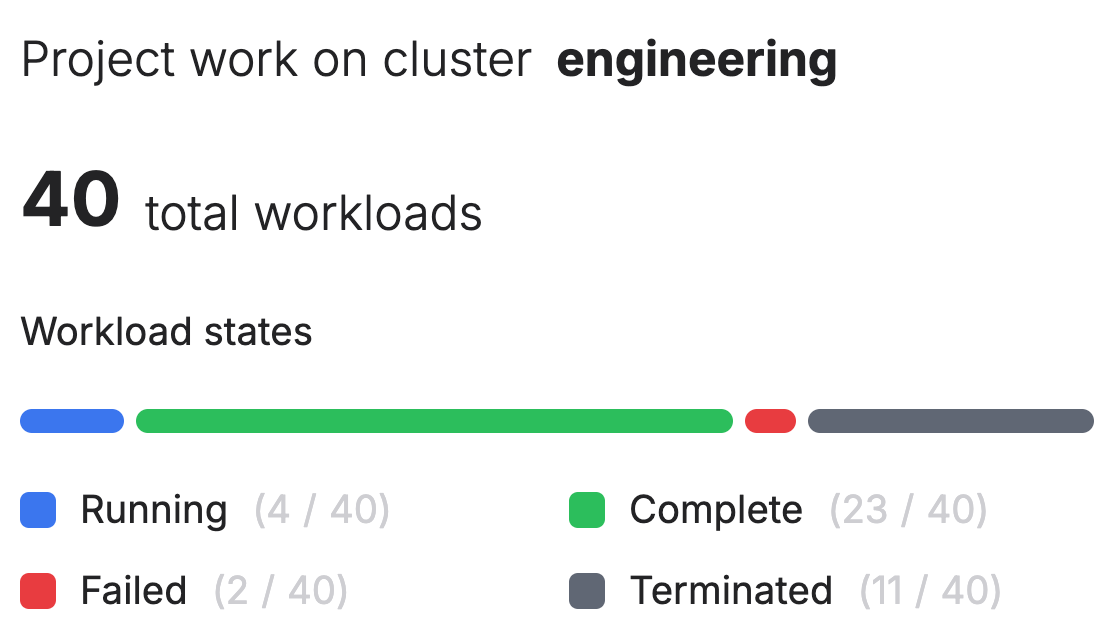
This panel shows the cluster name as well as the number of workloads in a particular state. More detailed information can then be found by looking at the workloads table.
Wait time panel#
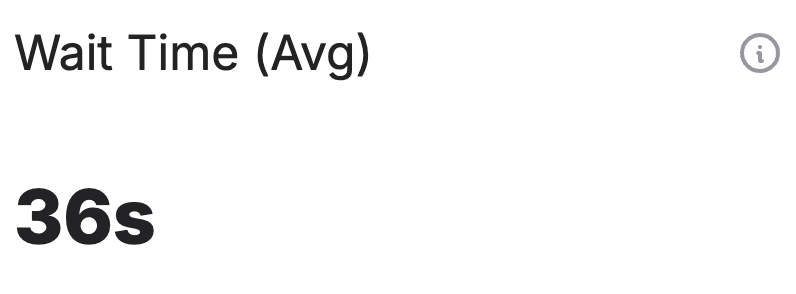
This panel shows the average time that workloads in the given project spent waiting to start (within the specified time range). This includes both the total time each workload was in a pending state, plus any additional time still pending if the workload is currently waiting to run.
Quota utilization#
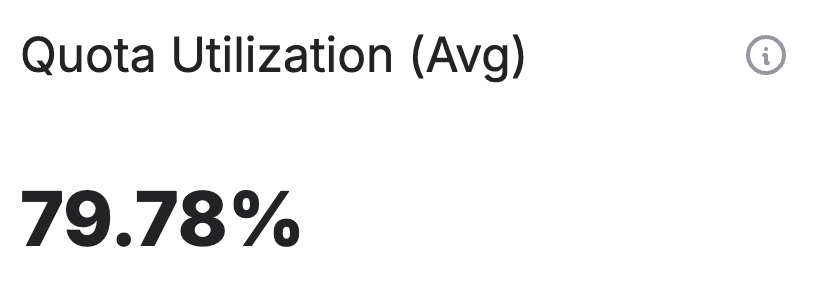
The average ratio of utilized GPUs versus the allocated GPUs for all workloads running within the project (within the specified time range).
GPU idle time#
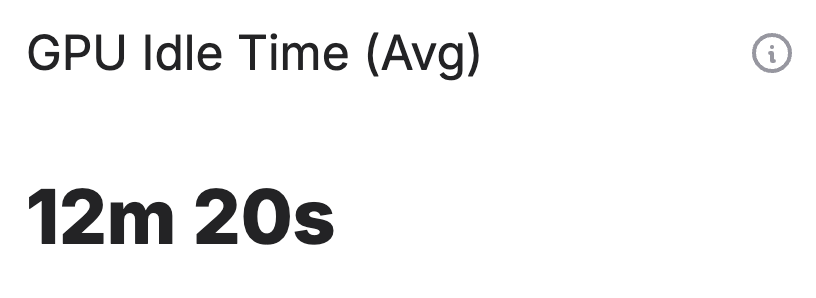
The GPU idle time panel shows the average time that GPUs allocated to the given project spent idle (not actively used) during the specified date range.
For each point in time, the system looks at how many GPUs were allocated to the project and how many were actually being used. The difference between these two numbers represents the number of idle GPUs at that moment. This difference is then multiplied by the time interval (step size) to get the total idle time for that period.
GPU device usage#
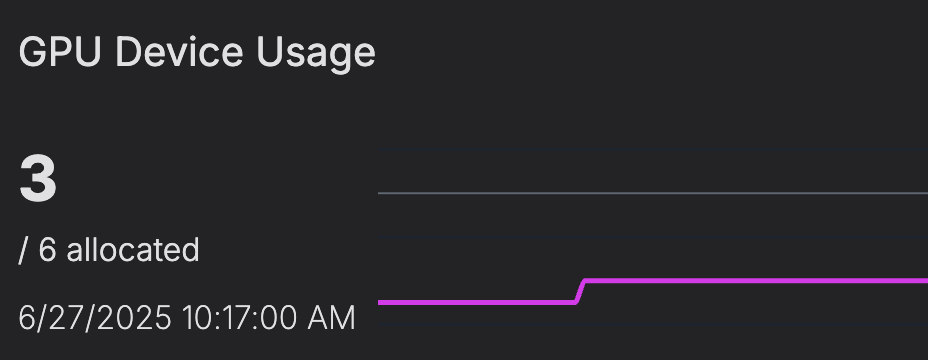
The number of GPU devices utilized by workloads in this project versus the GPUs allocated to it (within the specified time range).
GPU VRAM usage#
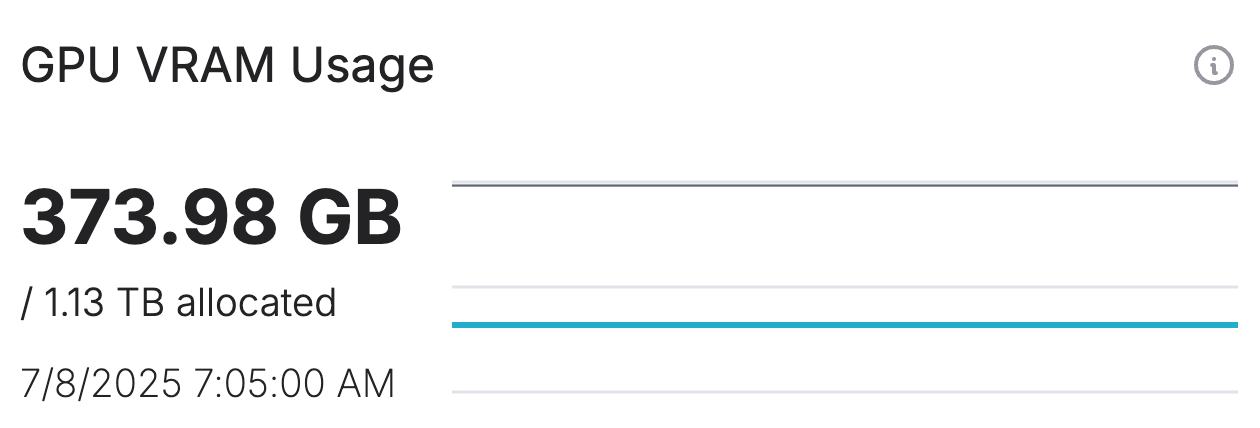
The amount of GPU VRAM utilized by workloads in this project versus the VRAM allocated to them, via the allocated GPUs (within the specified time range).
Project workloads#
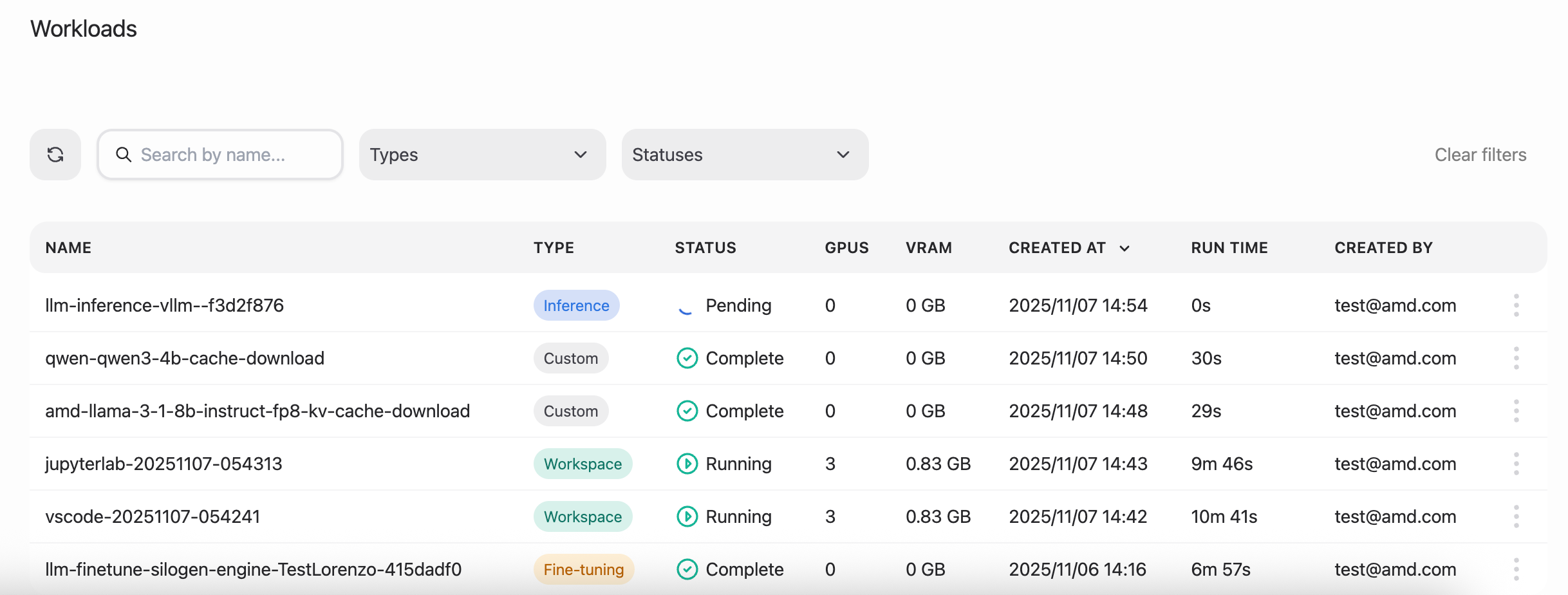
The workloads table lists all the workloads associated with the current project. Additionally, each entry in the table also includes the following information:
type: the type of workload
status: the status of the workload
GPU and VRAM usage
run time: the total execution time for the workload
which project member created the workload
Users table#

The users table lists every member of the project including the role and the last time they logged in.